Tag: AI-powered data loading

  • Why a Salesforce-specific data loader?

    Why a Salesforce-specific data loader?

    In our last post, we explained why ETL and iPaaS aren’t substitutes for Salesforce-specific data loaders. They’re designed for “any-to-any” integration—and require enterprise engineers to build and maintain them.

    Today, let’s talk about the opposite kind of product—one built just for Salesforce. Designed so well, it feels effortless.

    Data I Am: Master of one

    When we set out to build Data I Am, we made a conscious decision:

    • One source — spreadsheet/CSV
    • One destination — Salesforce
    • One target user — the Salesforce Admin

    That’s it.

    We didn’t want to solve every data problem. We wanted to solve one problem phenomenally well—making life better for the people who keep Salesforce running.  Salesforce Admins are technical, often certified, and deeply familiar with their org. But asking them to build complex ETL pipelines just to load a CSV? That’s not a great use of their time. They’re already juggling: System maintenance, user management, dashboards and reports, and automations and workflows.

    Spreadsheets are messy. We embrace that.

    Real-world spreadsheets rarely come clean. They usually look like this:

    • Columns in random order with missing or unclear headers
    • Mixed values like “$100K” and “USD 200M” for numeric (currency) fields
    • Invalid picklist values
    • Empty required fields
    • Missing Record IDs (for update jobs)

    Instead of forcing admins to clean the data beforehand—or learn dozens of transformation rules—Data I Am uses AI to do the fixing. Automagically. 🪄

    But this isn’t generic AI. It’s tuned for Salesforce.

    Here’s what Data I Am does:

    • Understands the data in each column—even without headers
    • Maps each column to the correct Salesforce field
    • Reads your Salesforce org’s metadata (picklist options, data types, required fields)
    • Suggests fixes like:
      • Stripping currency symbols and normalizing numbers
      • Converting invalid picklist values
      • Fetching missing Record IDs
    • Shows a real-time preview of the fixed data

    You stay in control—choose data fixes to apply. We believe users still want human oversight (for now)

    Focus wins

    Data I Am doesn’t try to do everything. It’s a tool purpose-built for Salesforce Admins—it fixes your spreadsheet so it’s ready not just for any Salesforce instance, but specifically for your Salesforce org.

    Our users—Salesforce Admins, RevOps leads, and Marketing Ops teams—tell us it’s a game changer.

    Because when the data is right:

    • Reports are accurate
    • Workflows behave
    • Users trust the system

    Until next time: If you’ve ever cursed at a CSV file, come see what we’ve built.
    👉 dataiam.com

    Zeb Mahmood

    Zeb Mahmood Co-founder CEO Data I Am, Inc.

  • ETL ≠ Data Loader

    ETL ≠ Data Loader

    Let’s say you’re at a company that uses Salesforce, and someone asks:

    “Wait, don’t we already have ETL (or iPaaS)? Why do we need another tool to load data into Salesforce?”

    A totally fair question. There are powerful ETL and iPaaS platforms that have been solving complex data problems for years. But here’s the thing: they were built for something else.

    ETL/iPaaS: Jack of all trades

    blog-img

    These platforms are designed to move data between just about anything—databases, cloud services, APIs, files—no matter the format or protocol. They come packed with hundreds of connectors and transformation rules.

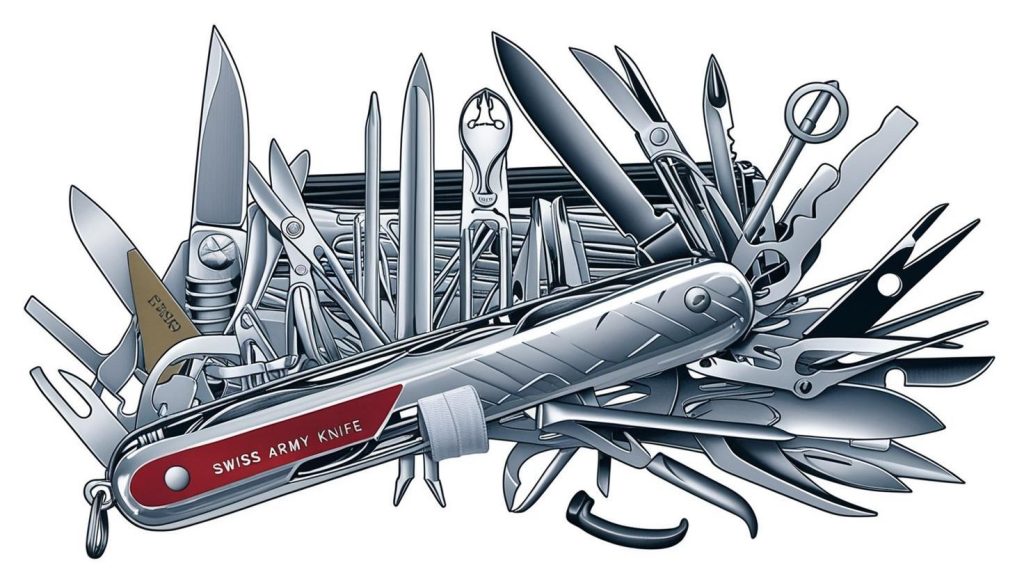
    They’re the Swiss Army knives of enterprise integration. Perfect when you’re syncing Workday to Salesforce every week, with a consistent file format and a locked-in mapping. But what if your day looks more like this?

    • “Hey, can you load this lead list from this morning’s webinar?”
    • “Can you update 20K cases in Service Cloud with this spreadsheet I triaged? Oh, and I forgot to include Record IDs—you can VLOOKUP them in.”

    That’s the kind of chaos Marketing Ops managers and Salesforce Admins deal with every day. And that’s exactly where a different kind of tool shines.

    Data I Am: Master of one

    Data I Am is an AI-powered data loader, purpose-built for Salesforce. Where ETL tools are built for repeatable, engineered pipelines, Data I Am is built for one-off, messy jobs that need to be done right now.

    It’s designed to:

    • Require zero code, zero prompt engineering
    • Fix messy spreadsheets and make them Salesforce-ready

    It’s like taking an 18-wheeler truck (ETL/iPaaS) into downtown—powerful, but unwieldy—versus hopping into an autonomous Waymo SUV (Data I Am) that gets you there effortlessly.

    TL;DR:

    ETL/iPaaS = Jack of all trades
    Data I Am = Master of one: Fixing and loading Salesforce data

    In our next post, we’ll show how Data I Am tackles these challenges—with a little help from AI.

    Zeb Mahmood

    Zeb Mahmood Co-founder CEO Data I Am, Inc.

  • Using War Jargon at Work?

    Using War Jargon at Work?

    Ever been in a war room trying to come up with a killer go-to-market strategy? Maybe your manager asked for a battle plan while you were still nursing your battle scars from the last product launch. Corporate-speak can get… intense. We’ve all heard (or said) things like:

    • “Let’s nuke the competition!”
    • “We need some serious ammo for this pitch”
    • “She’s a straight shooter”
    • “We’re in the trenches together”

    Sometimes it’s tossed around jokingly; other times, it’s just… reflex. It’s part of that unspoken dialect of business meetings, strategy sessions, and LinkedIn posts. But if you step back for a moment, it’s worth asking: Why does the language of work so often sound like the language of war?

    For Some, War Is Real

    For most of us, thankfully not. But for some—our colleagues, customers, and fellow humans —war isn’t a metaphor. It’s real. And ongoing. They’ve lived it, lost loved ones to it, or carry memories and scars that don’t fade when the quarterly numbers come in.

    So when we casually toss around phrases like “war chest”, “purple heart”,  or  “blitz”, it can hit harder than we intend. Not because we mean harm—but because we forget that language, like anything else, matters.

    Imagine sitting in a QBR meeting while quietly coping with the trauma of real war. Hearing your teammates describe Q2 sales as a “turf battle” might not land the way they think it does.

    We’re Trying to Unlearn

    I’ll be honest—I’ve definitely used this language myself after 2 decades in the corporate world. But over the past several years, I’ve made a conscious effort to unlearn it. Because words matter.

    At the startup I co-founded, Data I Am, we try to keep our language intentional, positive, and—most importantly—human. We don’t believe another vendor has to “lose” for us to “win the battle”. We can all succeed by focusing on what matters: helping customers succeed.

    blog-img

    Suggestions, If We May

    Here are some alternatives to lighten things up without losing your point:

    War-ish JargonNon-War AlternativeFun / Playful Alternative
    War RoomProject RoomCatalyst Room
    Hit the Ground RunningJumpstartLaunch Mode, Turbo Boost
    Battle PlanAction PlanGame Plan
    In the TrenchesHands-OnRolling Up Our Sleeves
    Nuke the CompetitionOutperformBBC: Be Better than the Competition
    Ammo for the PitchTalking PointsMic Drop Material
    Guerrilla MarketingScrappy MarketingLoCoHi Marketing: Low-Cost, High-Impact

    Still cool. Just a bit more… compassionate.

    Let’s Make Work Feel More Human

    Small changes in language can create space for more inclusivity, empathy, and respect. Especially in global, remote-first work cultures—where we don’t always know what our teammates have lived through—it pays to be thoughtful.

    Let’s make our workspaces more inclusive, intentional, and respectful of all the life experiences people carry with them.

    Zeb Mahmood

    Zeb Mahmood Co-founder CEO Data I Am, Inc.

  • Every Salesforce Admin Needs a Sidekick

    Every Salesforce Admin Needs a Sidekick

    In our last post, we met Alex Smith—the all-star Salesforce Admin who keeps the engine running while juggling a dozen fires. But even pros like Alex hit a wall when that spreadsheet shows up. You know the one: A last-minute request. You open the file… and instantly wish you hadn’t. No headers. Addresses crammed in a single column. Missing Record IDs. Invalid picklist values. Yikes!

    But Alex doesn’t panic anymore—because Alex has Data I Am: the AI-powered sidekick built specifically for Salesforce Admins.

    While most data loaders just push data into Salesforce, Data I Am fixes it first—making sure the data is clean, compliant, and Salesforce-ready before it ever touches Alex’s Salesforce org.

    It’s really AI… but Alex calls it magic.

    How Alex Gets It Done (Without Losing Their Mind)

    business-values
    Alex Smith: Salesforce Admin by day, superhero always — with their sidekick.

    Data I Am scans every cell in the spreadsheet and starts guiding Alex through cleanup—suggesting fixes, flagging issues, and transforming chaos into clean, structured, load-ready data.

    Let’s walk through some of the most common nightmares—and how Alex zaps them with AI:

    Problem 1: No Column Headers

    Alex’s challenge: Is this “First Name”? “Full Name”? “Company”? Who knows.
    The fix: Data I Am analyzes each column’s values and suggests the right header instantly.

    Problem 2: Single Address Column

    Alex’s challenge: Everything—street, city, state, zip—crammed into one column.
    The fix: Data I Am intelligently splits and maps it to Salesforce’s compound address fields.

    Problem 3: Missing Record IDs

    Alex’s challenge: It’s an update job, but the spreadsheet has no Record IDs.
    The fix: Data I Am matches the records using name, email, or phone—and fetches the Record IDs for Alex. The days of VLOOKUPs are over!

    Problem 4: Picklist Chaos & Inconsistent Formats

    Alex’s challenges:

    • Invalid picklist values
    • Random phone number formats
    • Shorthand currency values like “$100K”

    The fix: Data I Am jumps in to:

    • Convert invalid picklist values to valid ones
    • Standardize phone numbers
    • Translate shorthand currency into real numbers ($100K → 100000.00)

    Problem 5: API Limit Anxiety

    Alex’s challenge: Hitting ‘Run’ could blow past the API quota for the day.
    The fix: Data I Am checks the current API usage and suggests whether to run now or wait—so Alex doesn’t use up all the quota and lock out the business users.

    💬 What Real Users Say

    “I used to spend hours cleaning up spreadsheets before every data load. With Data I Am, it’s done in minutes. It’s like having an extra set of hands fixing everything before I even hit ‘Upload’.”

    — A Salesforce Admin

    With Data I Am, Alex isn’t just surviving data chaos—they’re owning it.

    Want to stop battling messy spreadsheets and start working smarter like Alex? Try Data I Am today!

    Zeb Mahmood

    Zeb Mahmood Co-founder CEO Data I Am, Inc.

  • Target User Persona: Salesforce Admin

    Target User Persona: Salesforce Admin

    To truly solve real business problems, we had to understand the struggles of the unsung heroes keeping Salesforce running—Salesforce Admins. Enter Alex Smith, our everyday hero. Alex is more than just a Certified Salesforce Administrator. A multitasking master, a data-wrangler, and often an unofficial therapist for coworkers facing Salesforce issues—simply, a superhero! Collaborating with Sales Ops Managers, Operations Analysts, and Chief Revenue Officers, Alex ensures Salesforce delivers business value.

    The Many Hats of Alex

    business-values
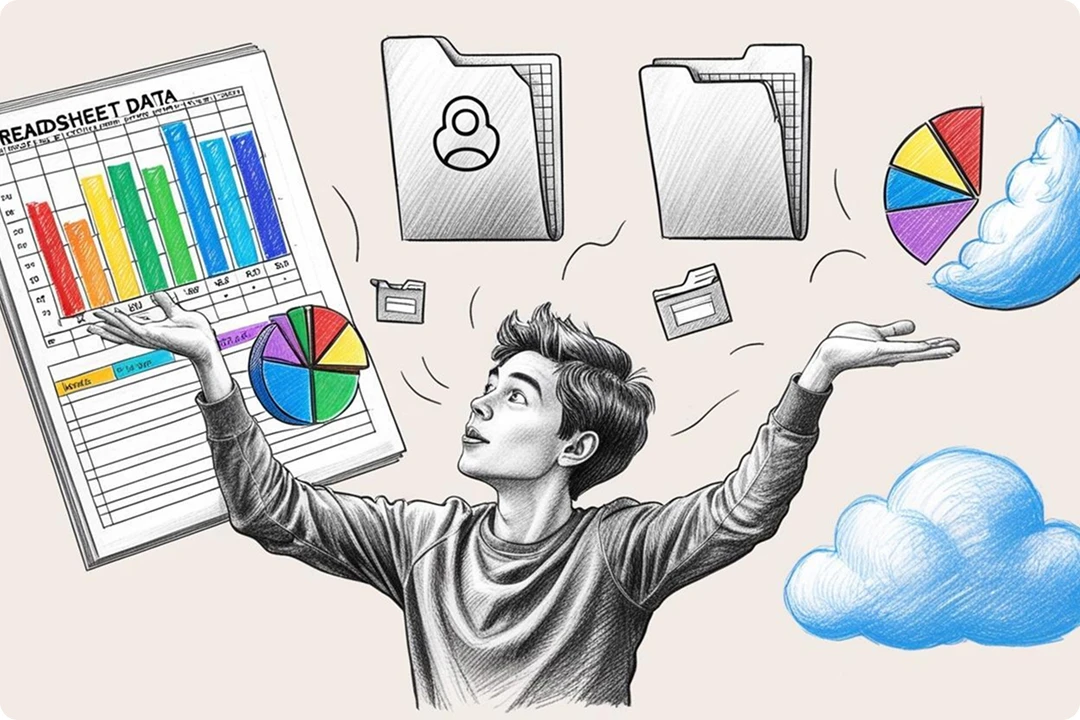
    A Salesforce Admin juggling multiple tasks, symbolizing their superhero-like efficiency.

    Alex’s role isn’t just about resetting passwords—it’s about being the go-to for almost anything Salesforce. Here’s a glimpse of what Alex juggles daily:

    • User Management: Setting up, deactivating, and managing user permissions.
    • Customization: Building custom fields, objects, flows, and even AI agents in Salesforce.
    • Reporting and Dashboards: Crafting insightful reports to guide decision-making.
    • Data Loading & Data Export: Inserting, updating, deleting, and extracting data from Salesforce. ETL tools or iPaaS platforms aren’t the right fit for these quick, messy, ad-hoc data tasks!

    Yes, a massive part of Alex’s day is spent battling messy spreadsheets and CSV files during data loading.

    Data Loading: The Time Sucker!

    Imagine this: Marketing just had a killer webinar, and now they need those new leads loaded—yesterday! The lead data rarely comes in a clean, Salesforce-ready format. What should be a “simple” task quickly becomes a data nightmare:

    • Bad file structure: Every CSV file is unique. This one arrives without headers and has crucial address information crammed into a single column.
    • Mixed formatting: Salesforce fields expect precise data types, but spreadsheets don’t care! Alex sees $10M, 1000, 1MM, and 60M thrown together for Annual Revenue—a field meant to hold numbers only.
    • Invalid picklist values: The Salesforce field “Lead Status” expects predefined options, but mismatched values like “Open” and “Interested” instead of “Prospect” need to be manually corrected.
    • Missing Record IDs: For leads to be updated, no Record IDs means complex VLOOKUPs are required, manually hunting for the right IDs to avoid creating duplicates

    Some days, it feels like these spreadsheets are actively plotting against Alex!

    Joke Break: What’s a Salesforce Admin’s favorite workout? “Data lifting! Heavy CSVs, light patience.”

    Stay tuned for our next blog post, where we show how Data I Am turns Alex into an even bigger superhero—no more screaming at spreadsheets!

    Zeb Mahmood

    Zeb Mahmood Co-founder CEO Data I Am, Inc.